Ride any road, indoors
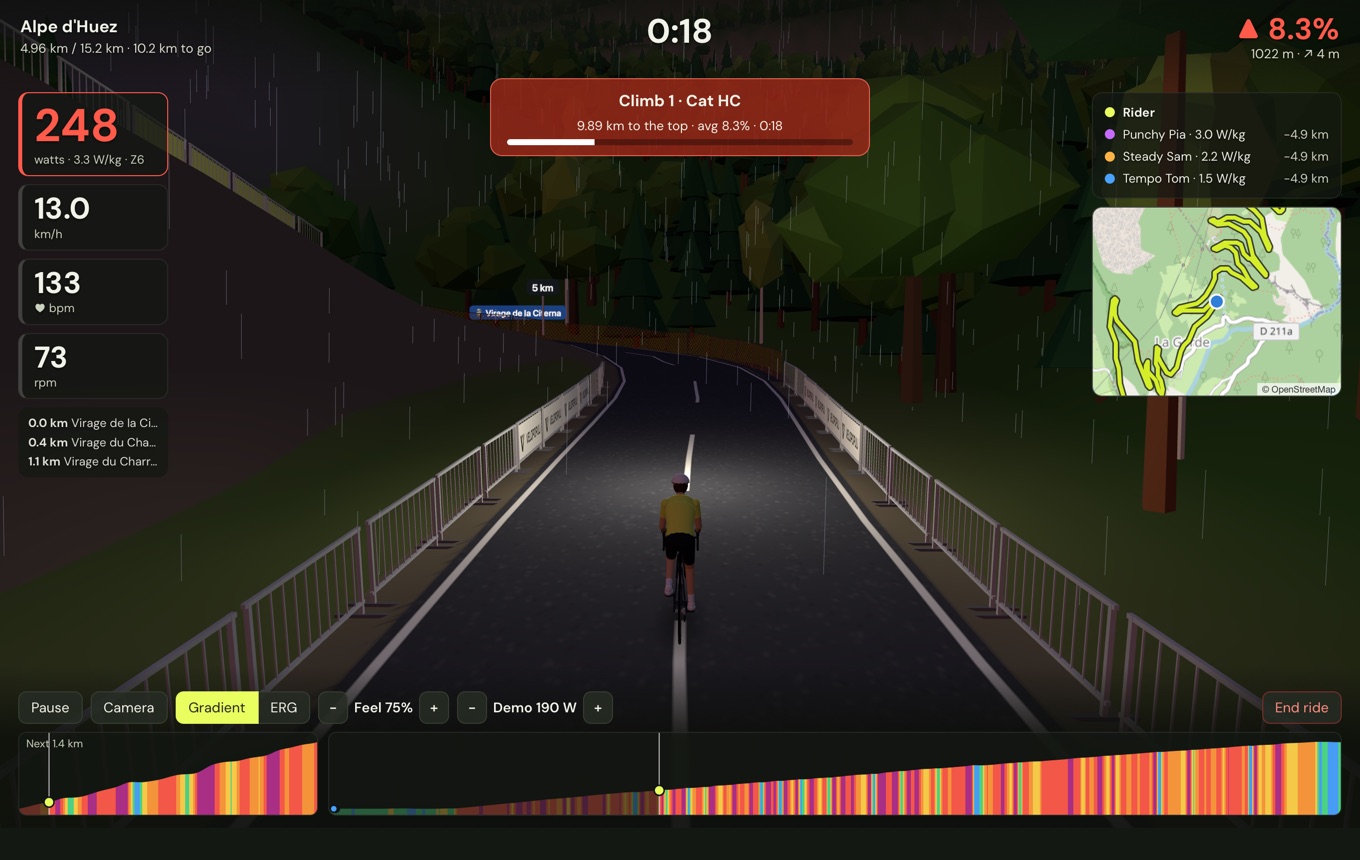
The lane outside your door, your Sunday loop, or Alpe d’Huez. Pick a road and ride it in 3D on your smart trainer, and feel every climb in your legs.
No subscription, no account.
Your roads, not a made-up world
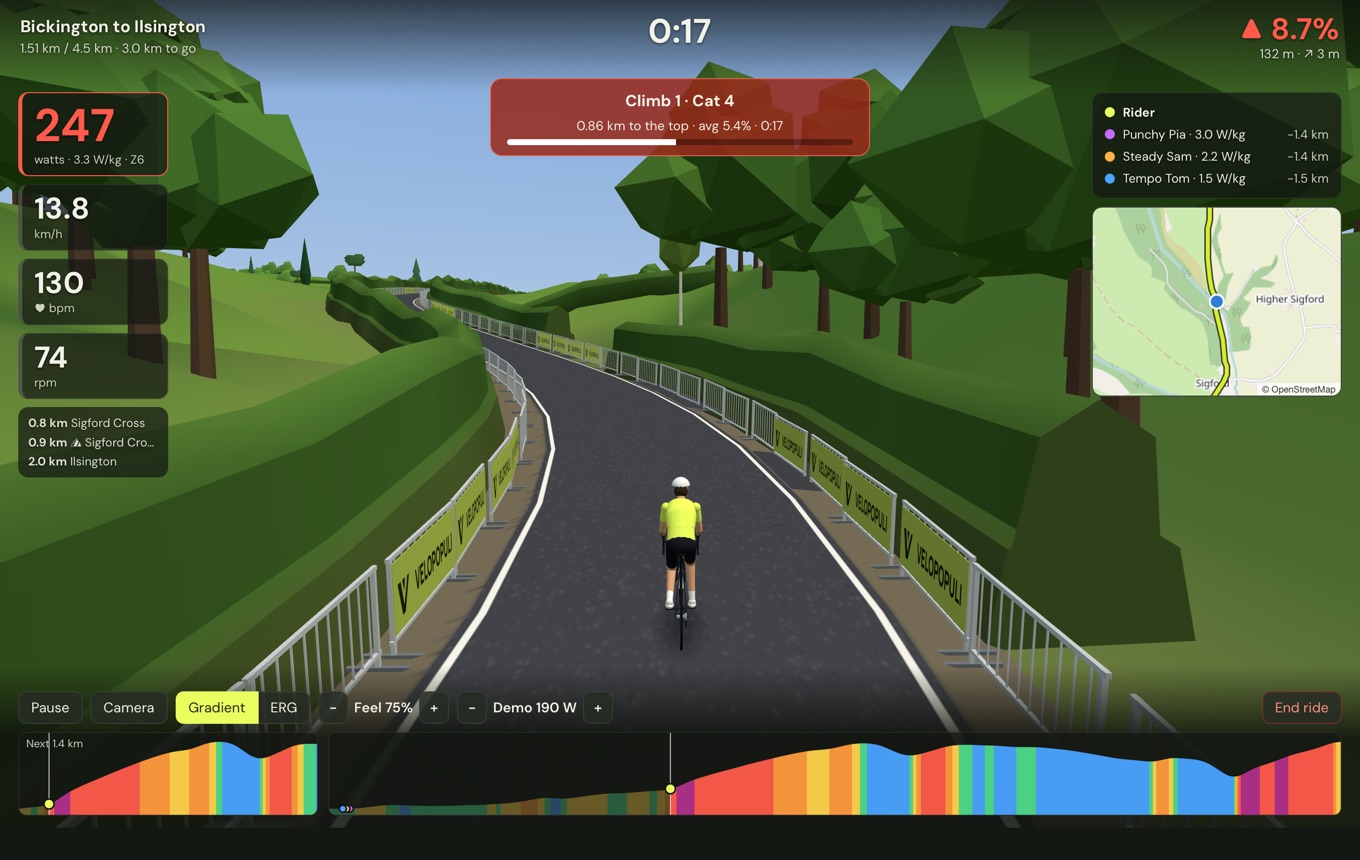
Bring a route from Strava, Komoot or your bike computer, or draw one on the map. VeloPopuli builds it from real map and height data: the bends and junctions, the villages, the woods, the hedges and stone walls along the fields.
Short of ideas? Find a route shows the signposted cycle routes and trails on the map wherever you look, and, once Strava is connected, the routes you’ve saved there.
Ride the climb you’re training for before you get there. Or ride your own commute in February, when you’d rather not.
Round and round
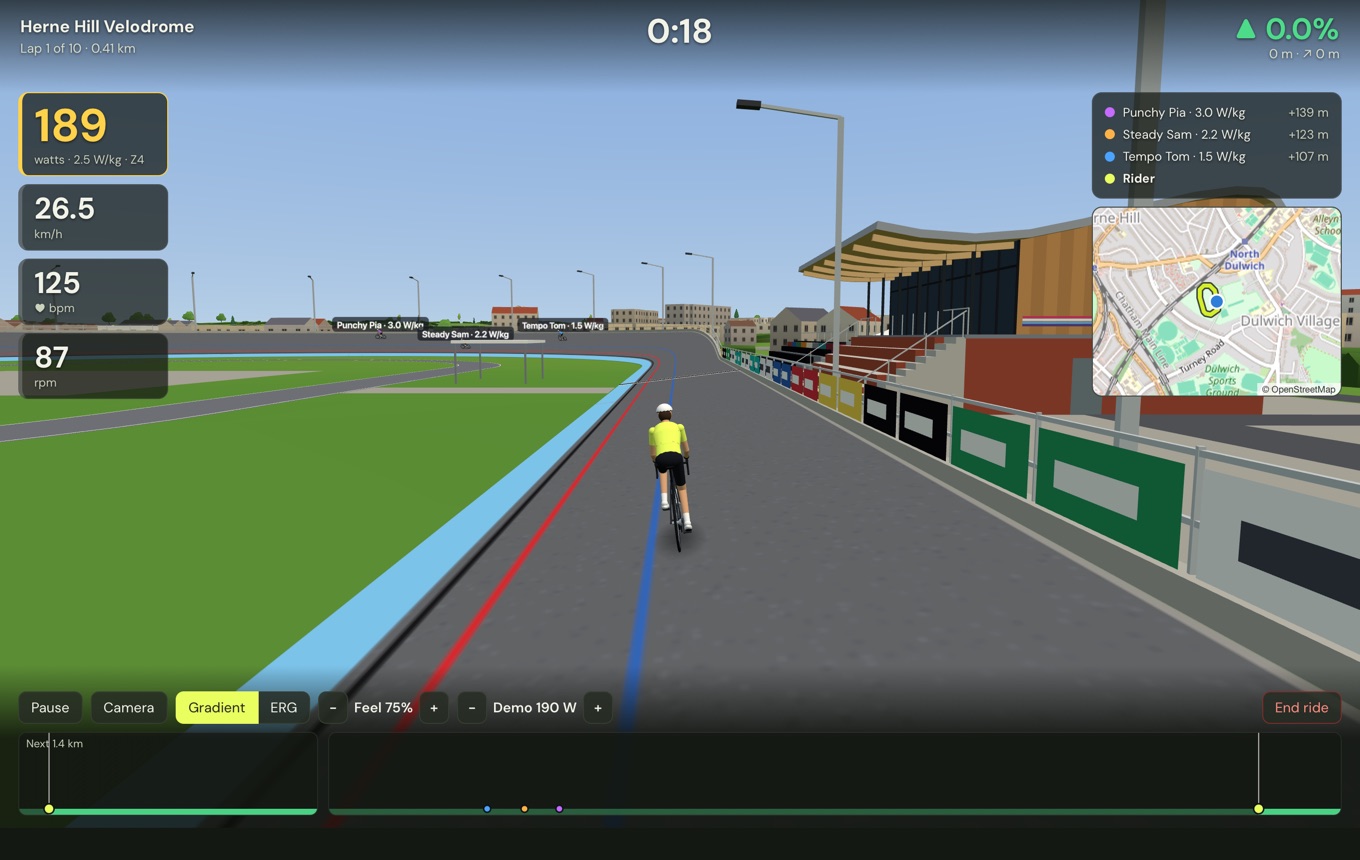
Ride a loop as many times as you like: two laps, twenty, or until you’ve had enough. The app counts the laps and the distance as you go, and times every climb on every lap.
Herne Hill Velodrome comes with the app: the outdoor track in south London where the 1948 Olympic track races were held. It’s 450 m round, banked into the bends, with the pavilion, the stands and the floodlights around it. Ride it anticlockwise, as they race it, or the other way round.
Feel every percent
When the road tips up, your trainer gets harder; over the top, it eases off. Cobbles and gravel drag, as they do outside. Eight famous climbs are ready to ride, from the Stelvio and Mont Ventoux to Box Hill.
Ride it your way
Train
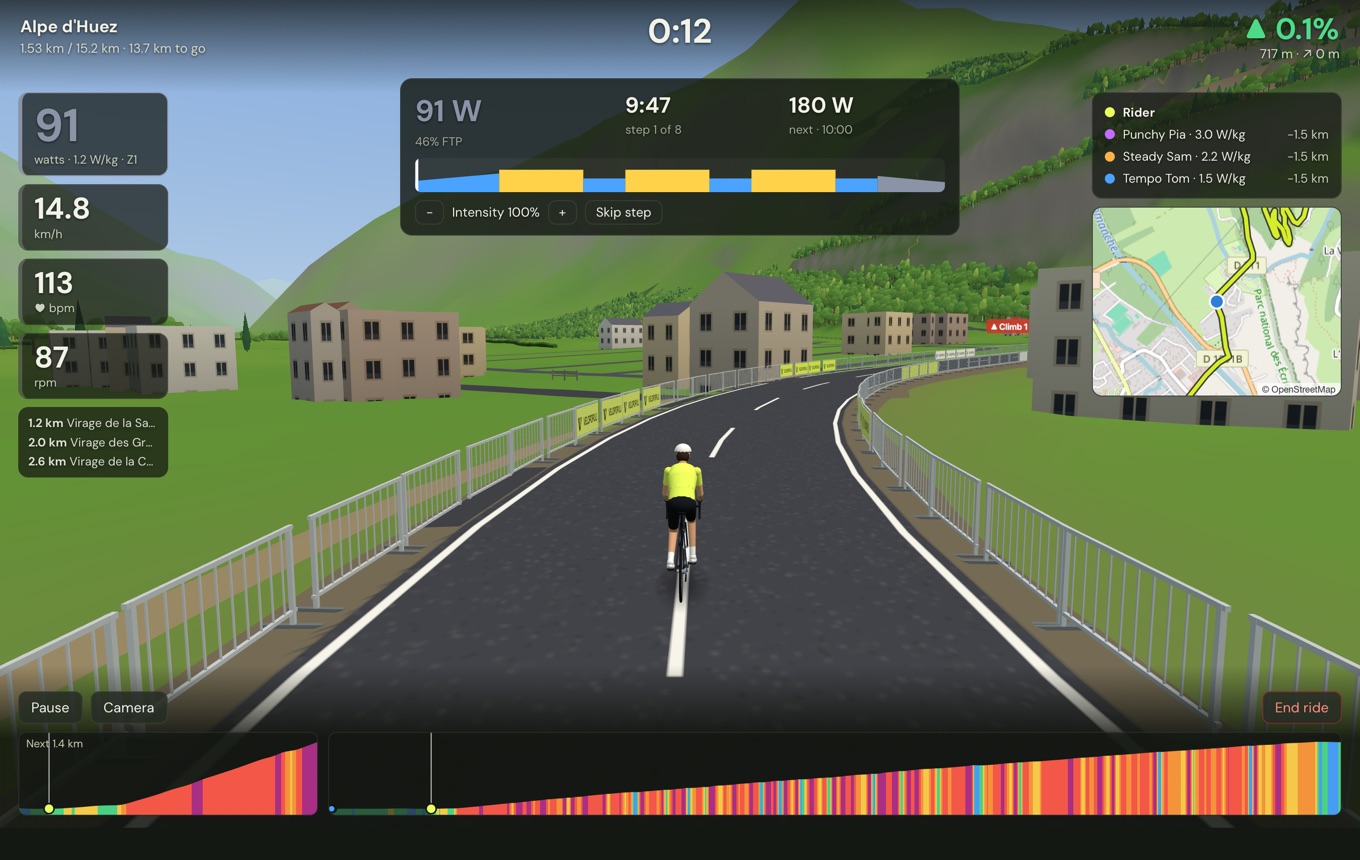
Do a structured workout on a real road, with the trainer holding your target power. Built-in sessions, or bring your own from other apps.
Chase
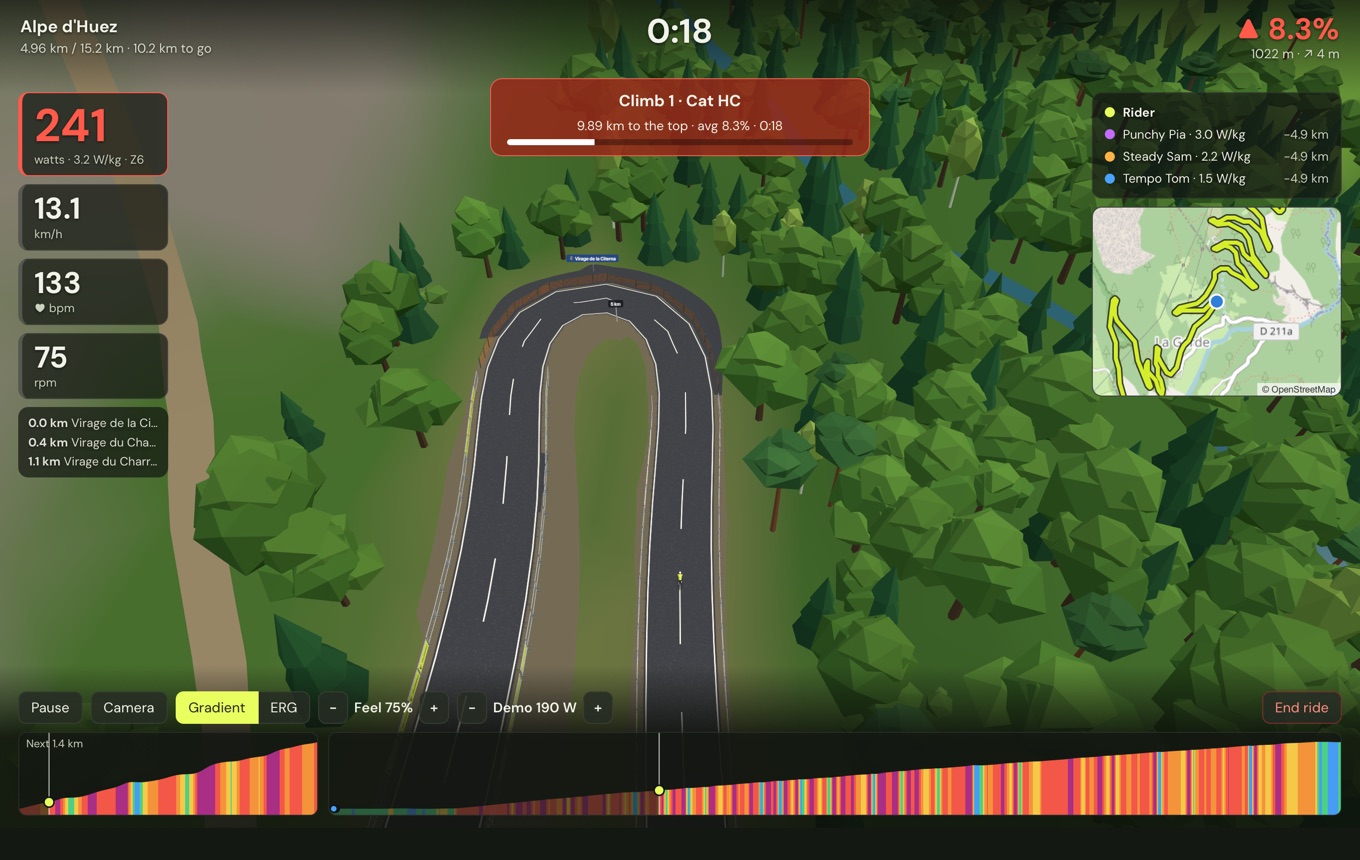
Race your own best time as a ghost, or one of your rides from Strava, or sit on the wheel of a pace rider. Every climb is timed, so you can see if you’re getting quicker.
Just ride
Pick the time of day and the weather, or use the real weather there right now. Ride alone, or share a code and ride with friends.
No fees. No catch.
- FreeNo subscription, no trial, no paid tier. It’s open source, so it stays that way.
- No accountDownload it and ride. There’s nothing to sign up for.
- Your rides stay yoursEverything is kept on your computer. Send rides to Strava, or to your own Dreeve server, if you want to.
- Your trainerSmart trainers on Bluetooth or ANT+, plus power meters and heart-rate straps. Pair them once and they connect by themselves next time.
Download VeloPopuli
Free for Windows, macOS and Linux. No trainer yet? A demo rider lets you try everything first.
macOS
Download for MacmacOS 10.15 or later, Apple Silicon or Intel.
The first time you open it, macOS may ask you to allow it under System Settings → Privacy & Security.
Windows
Download for WindowsWindows 10 or 11.
If Windows shows a blue warning, choose More info → Run anyway.
Setting up for the first time? The first-ride guide walks you through it.
Questions
Will it work with my trainer?
Most smart trainers from the last few years speak Bluetooth FTMS or ANT+ FE-C, and VeloPopuli works with both, including Tacx trainers over Bluetooth. ANT+ needs a USB stick. It’s still early days for testing on real trainers, so if yours gives you trouble, the app’s Report a problem button gathers what’s needed to fix it.
Can I ride a route I already have?
Yes. Export a GPX file from Strava, Komoot, RideWithGPS, Garmin Connect or most bike computers and import it. Connect Strava and your saved Strava routes are there to pick, and with Dreeve you can turn any ride you’ve done into a route. You can also plan a route on the map, in the app or with the route planner.
Do I need a powerful computer?
No. The world is drawn in a simple, low-poly style that runs smoothly on an ordinary laptop. It needs an internet connection to load the map for a new route.
Can I do workouts from other apps?
Yes. Import .zwo, .erg and .mrc workout files, or use the built-in sessions, from easy endurance rides to an FTP test.
Why is it free?
It started as one rider’s answer to paying a monthly fee to ride indoors. It’s open source, with the code on GitHub, so anyone can see how it works, suggest ideas or help build it.